Dreamweaver Integration Features
AllChange Dreamweaver Integration Features
AllChange/Dreamweaver integration features for rapid software development environments include:
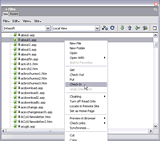
| Checking In & Out Files manipulated by Dreamweaver can be checked directly into and out of AllChange from within the Dreamweaver interface. |
 Full Size Image |
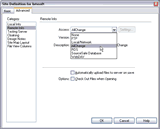
| Defining AllChange in Dreamweaver AllChange is easy to set up within Dreamweaver. Simply set the ‘Remote Info’ to AllChange. |
 Full Size Image |
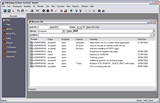
Workflow Management AllChange uses Change Requests, which are raised for every job or task, allowing workflow to be efficiently controlled. Users with the correct permissions can raise and allocate Change Requests, ensuring that tasks are efficiently monitored. |
 Full Size Image |
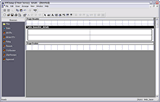
Customised Reporting Customised reporting lets all users create personalised reports and queries. |
 Full Size Image Full Size Image |
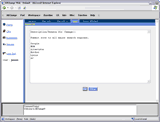
Web Interface AllChange’s easy to navigate web interface means that it can be run on any platform with a web browser. This means that it is ideal for both Mac and PC users. |
 Full Size Image |